Welcome To SiteMap 360

The Most Important Tool for Your Project – The Right Information

SiteMap 360 is an exclusive agreement that gives each member of your team “super-user” access to your project portfolio

A tablet screen displaying a detailed aerial map of a campus‑style facility with multicolored utility lines, symbols, and pathways overlaid. A navigation sidebar on the left shows menu options such as Activity, Plan Room, Jobs, Reality Capture, and Data Transfer.

Above, Below, & Beyond

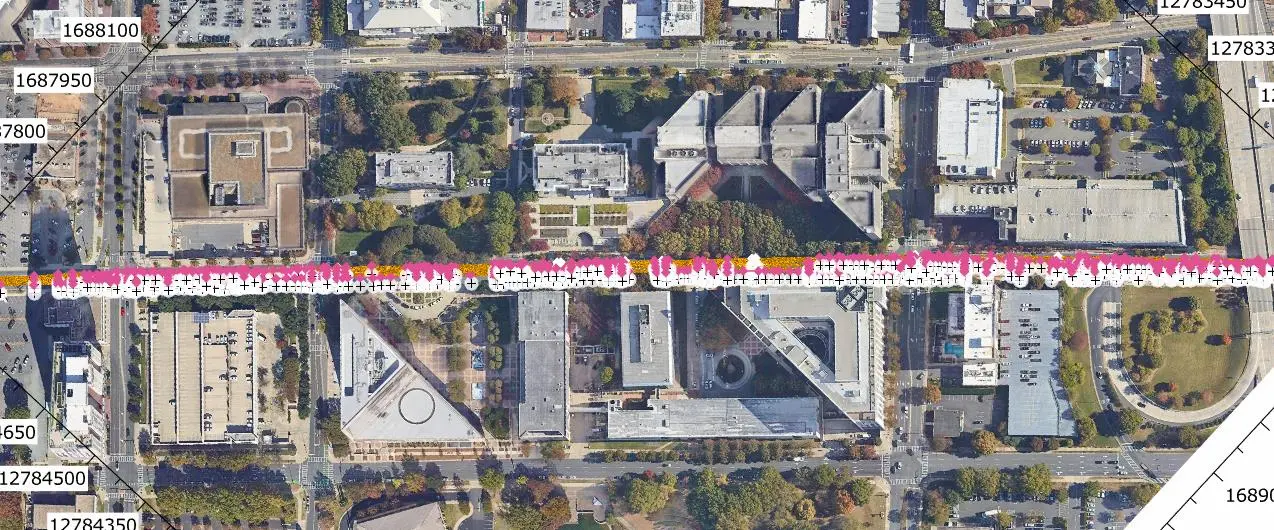
Centralize your utility maps, BIM models, digital twin enhancements, and project data in one GIS platform. Provide your team with clear details to enhance safety, reduce costs, and enable you to plan, build, and manage, better.

Tailored SiteMap® super-solutions for GIS data access & visualization
On site training with your team and trade partners optimize solution utilization
Bi-annual stand-downs & quarterly reviews with your GPRS Team
Collaboration for SIM ground disturbance policy integration

And the value of having all your project data at your team’s fingertips 24/7.
What’s New in SiteMap?

A person holds up a smartphone outdoors, showing an augmented reality overlay of underground utilities and pipe paths aligned with the real-world environment.
Augmented Reality
Walk your jobsite and use your phone to see underground utilities and pipe flow appear exactly where they are in real time.
Construction crew inside a jobsite trailer watches a display screen showing a digital excavation map. Workers wearing safety vests and helmets are seated while one person stands near the screen.
My Dig Board
A digital jobsite blueprint for clear, consistent communication on excavation paths, placements, and priorities.
Mapping software interface displaying a satellite view of a wooded area with colored utility lines, alongside a panel showing editable line style options.
Customizable Line Styles
Adjust line styles to match your company standards, so every map looks familiar and clear.
Map of the United States with numerous blue points marking locations. A sidebar from the mapping platform is visible on the left.
Feature Renaming
Rename features with labels your team uses so your maps make sense at a glance.
A form titled “Schedule Service” appears over a detailed utility map showing colored lines and symbols. The form includes fields for name, phone, email, company details, and job site address.
Customer Self‑Service Form
Request additional services in SiteMap, so your team gets what they need without the back and forth.
Utility map with colored lines and icons over an aerial image of a site. A slider tool labeled “History Slider” allows choosing start and end dates to compare past site data.
History Slider
Scroll through past data to spot duplicates and see how your site has changed over time.
See SiteMap In Action

Why Teams Choose SiteMap

Here’s what our clients say about using SiteMap for accurate utility data and job site planning.

Experience Your Site in a New Way

Tell us more about your facility, and we will show you what SiteMap can do for you.